
If a gate keypad, remote or intercom stops working, first try a second control. If another control opens the gate, the fault is in that device: dead batteries, a weak signal, damage or a lost code. If nothing opens the gate, the problem is the operator, its power or its sensors. Never bypass a sensor or jump wires to force the gate open.
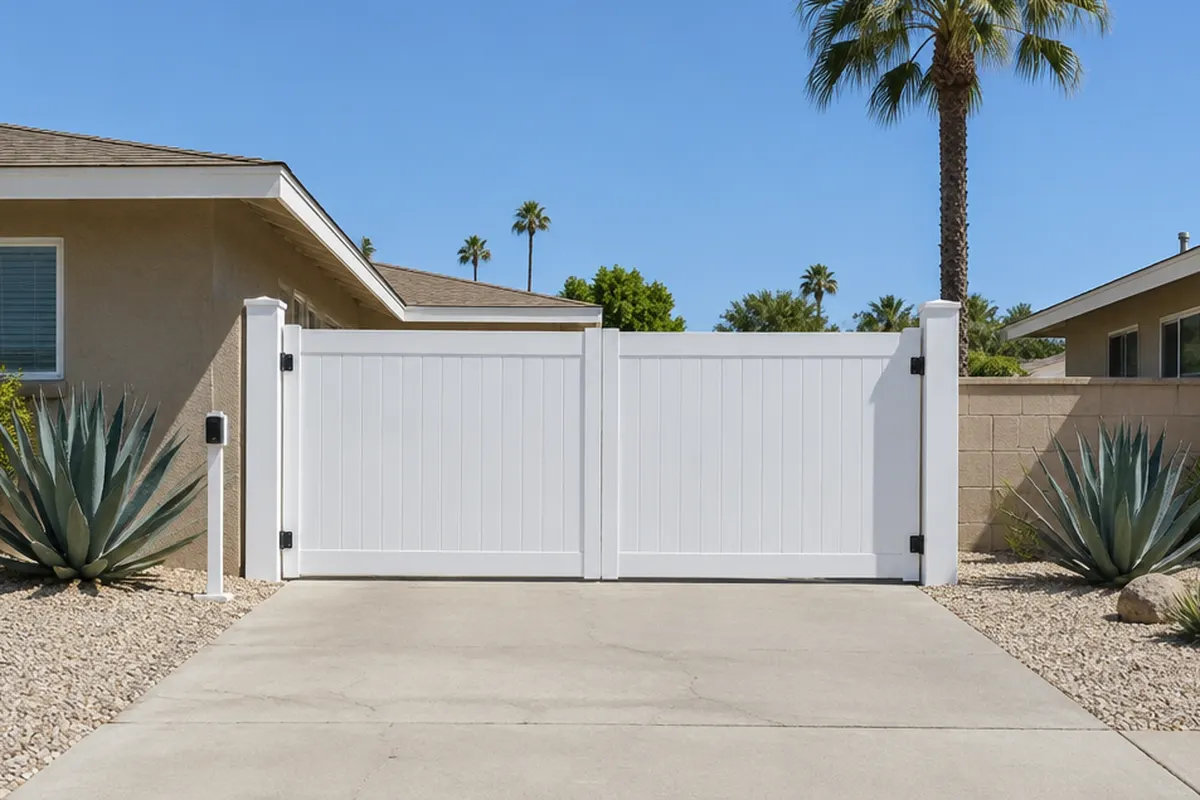
1Start by trying a second control
A keypad, a remote, an intercom and a wall button each tell the gate operator to open. They do not move the gate themselves. So the quickest test is to try a second one. If the remote opens the gate but the keypad does not, the keypad is the problem. If nothing opens it, the problem is the whole gate system, which means power, the operator or a sensor.
That one test saves most of the guessing. The table below matches the usual symptoms to causes.
2Symptoms and likely causes
| What happens | Likely cause | What to try |
|---|---|---|
| Keypad has no lights or does not respond | Dead batteries, damage, or salt, sand or moisture inside | New batteries; look for damage; use another control meanwhile |
| Keypad lights up but the gate ignores the code | Code not stored, or the operator is in a fault or alarm state | Try the remote; if it fails too, check the operator |
| Remote works only close to the gate | Weak remote battery, or the operator's antenna is blocked | New remote battery; keep the antenna clear of bushes, trees and buildings |
| Remote stopped after a battery change | The remote needs to be learned to the operator again | Follow your manual's learn steps, or call |
| Intercom rings but cannot open the gate | The open signal from the intercom to the operator is not arriving | Try the remote; a technician checks the wiring and relay |
| No control works | Operator power off, blown fuse, tripped sensor | Power switch, photo eye lights, then call |
Based on manufacturer manuals and installer guides. Your model's manual has the exact steps.
3Five checks to try in order
Try another control
Press the remote, then the keypad, then the wall button or intercom. Note which ones work.
Change the batteries
Replace the batteries in the remote, and in the keypad if it is battery-powered. Old batteries are a common cause.
Look at the device
Check the keypad for cracks, water, salt or sand, which can damage the electronics. If the keypad is worn or vandalized, use another control until a technician repairs it.
Check the signal path
A remote loses range if its antenna is hidden by bushes, trees or a wall. Move plants or ask a technician to reposition it.
Check the operator
Make sure its power switch is on and look at the photo eyes. A tripped sensor or dirty lens can stop every control. Clear branches, clean the lenses and watch for a light that flashes.
If you cannot open the gate at all, see opening a gate by hand and checking the battery.
4Remote or keypad that needs re-learning
Most remotes and keypads are paired to the operator's receiver. After a long power loss, a board replacement or a new remote, the pairing may need to be done again. One manufacturer guide has you hold the learn button on the control board and press the remote's open button for five seconds, then release them in a set order. Steps and buttons differ by model, so use the manual that came with your operator.
Do not guess at the board's switches. A wrong setting can change how the gate behaves, including how it responds to a sensor. If you are unsure, a technician can reset it.
5Where the keypad is mounted matters
DASMA's guidance on UL 325 says all gate activation controls must be at least 6 feet from the gate, to reduce the chance of someone reaching through the gate and being hurt. A keypad that was moved closer to the gate, or one that is too far from a driver's window, is worth correcting at the same visit.
Never tape over a photo eye, jump wires at the board or hold the open input to force a gate to move. UL 325 requires that safety devices be monitored, and the standard bars changes in the field that defeat that monitoring.
6When to call
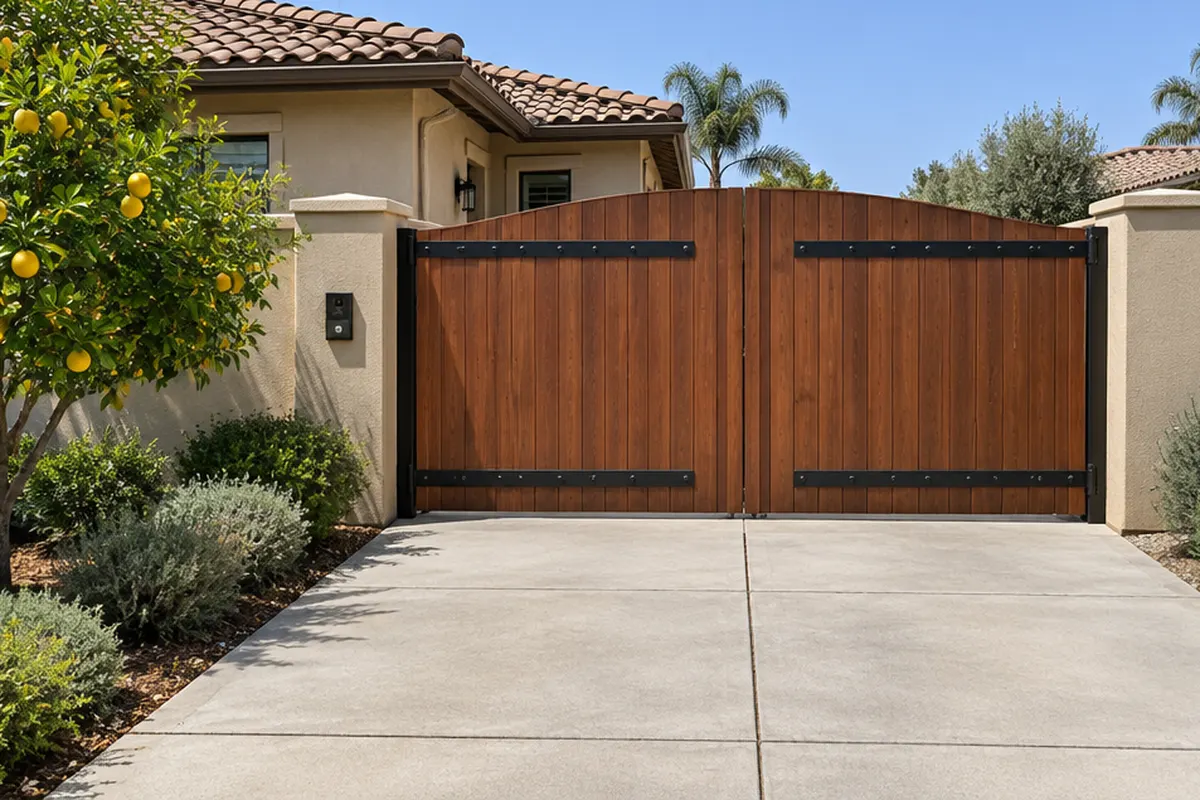
Call if no control works and the operator has power, if the keypad is damaged, if the intercom is dead or if a remote will not learn. A technician can test the receiver, the wiring and the sensors. See access control, remotes and parts and gate repair. For a bigger look at keypads and readers, read access control for gates and garages.
7Where we come in
Emil Garage Doors repairs gate operators, keypads, remotes and access control in Southern California, including in Palm Springs, Inglewood and Westminster. Call (213) 340-4232 or send the estimate form, and tell us the operator's brand and which control fails.
Questions people ask
Why is my gate keypad not working?
Dead batteries, damage, or salt, sand or moisture inside are common causes. Try another control first. If other controls also fail, the fault is in the operator, its power or its sensors.
Why does my gate remote only work when I am close?
A weak remote battery, or an operator antenna blocked by bushes, trees or a wall, cuts the range. Replace the battery and clear the antenna.
Why is my gate intercom not working?
The intercom may have lost power, or the signal from it to the operator may not be arriving. If it rings but will not open the gate, a technician should check the wiring.
Do I need to reprogram the remote after changing the battery?
Usually not. If it stops working, it may need to be learned to the operator again. The steps differ by model, so use your manual.
Related services
Need help near you?
We repair and install in these cities. Each page has local notes, prices and reviews.